
How to Make YouTube Shorts: Creation Steps, Format Tips, and the Right Tool for Your Workflow
Making a YouTube Short takes about five minutes. Making one that actually gets watched requires knowing three things before you hit record: the right format, the right tool for where your content is coming from, and a hook that earns the viewer's next swipe in the first three seconds. This guide covers all three. You will leave with a clear creation process, a tool decision framework, and a working understanding of why some Shorts get pushed by the algorithm while others stall at 40 views.
Key Takeaways
- Creation is genuinely easy. Performance requires format, hook, and tool alignment working together, not separately.
- The first 1 to 3 seconds of your Short determine whether the algorithm pushes it further. Watch-through rate is the primary signal YouTube uses.
- Your starting point determines your tool: filming new content from scratch calls for a different tool than converting hours of existing podcast or tutorial footage.
- 9:16 aspect ratio is non-negotiable for Shorts feed placement. Horizontal or square video gets deprioritized before your hook ever plays.
- Most low-performing Shorts have a fixable problem. Reading the right metrics in YouTube Studio tells you what to change before you reshoot anything.
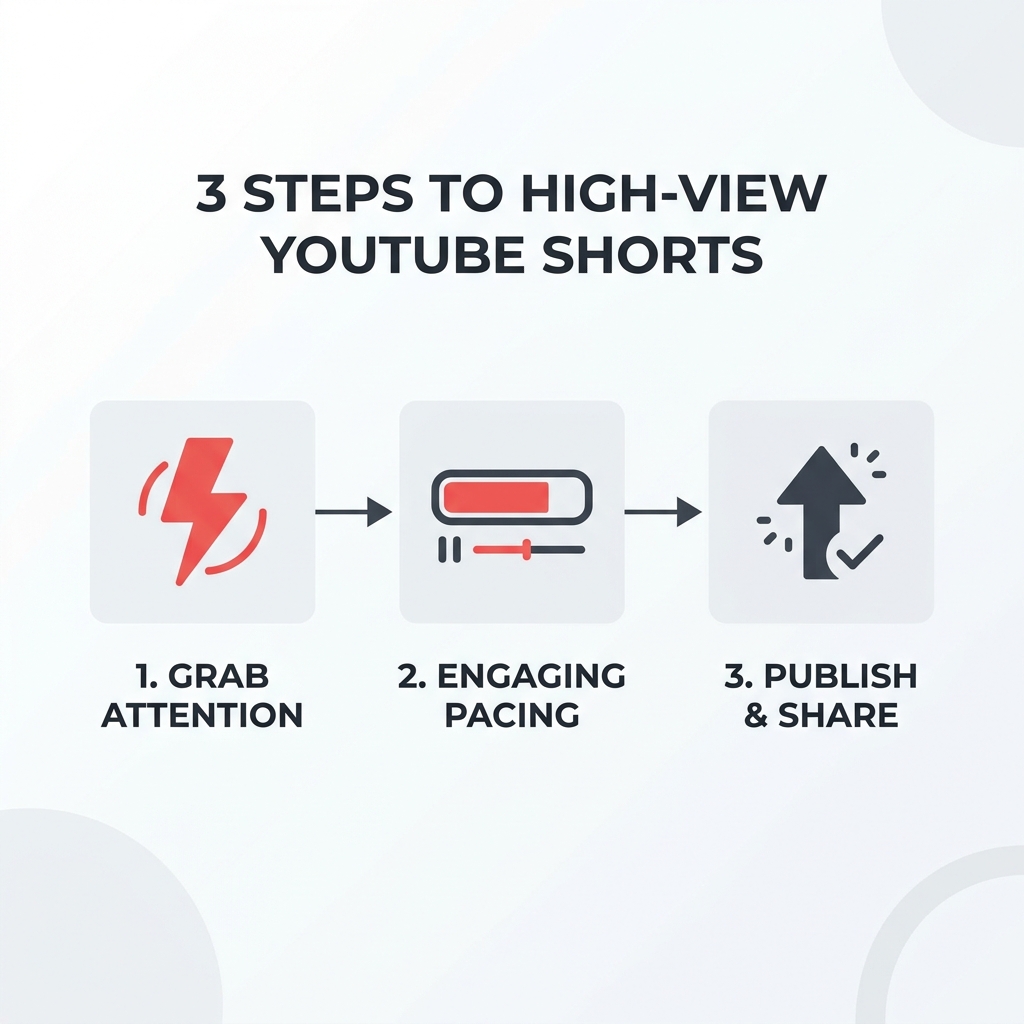
What Makes a YouTube Short Work (Before You Start Filming)
Format is not a technical detail you figure out after filming. It is the first performance decision you make, and getting it wrong costs you views before any algorithm ever evaluates your content.
YouTube Shorts are distributed through the Shorts feed, not the subscription feed. That distinction matters. Unlike long-form videos, which surface to your existing subscribers first, Shorts reach new audiences through algorithmic recommendation. The algorithm decides how widely to push a Short based almost entirely on early retention signals, specifically how many viewers watch all the way through.
This means a Short that opens with "Hey guys, welcome back" is already losing. By the time you finish that sentence, a large portion of viewers have swiped away. The algorithm reads that exit signal and stops pushing the Short further. The content itself never gets a fair chance.
Same logic applies to format. A Short filmed horizontally that gets awkwardly cropped in the Shorts feed loses viewers before the hook even plays. YouTube's official guidance on how Shorts are formatted and distributed in the feed makes the specifications clear, and they are not optional.
Quick-Reference Format Specs:
- Aspect ratio: 9:16 (vertical). No black bars, no cropped edges.
- Length: Under 60 seconds. Performance sweet spot is typically 15 to 45 seconds for high watch-through rate.
- Resolution: 1080 x 1920 pixels recommended minimum.
- File type: MP4 or MOV.
- Captions: On. Bold or animated style preferred for retention.
If you understand what makes YouTube Shorts get more views at a deeper level, those specs start making practical sense rather than feeling like arbitrary rules.
How to Create a YouTube Short Step by Step
You do not need video editing software to publish your first Short. The native YouTube app handles the entire process from filming to publishing. Here is how it works.
- Open the YouTube app and tap the create button. The plus icon at the bottom center of the app opens your creation options. Select "Create a Short."
- Choose your recording method. Tap the red record button to film directly in the app, or tap the upload icon to import an existing clip from your camera roll. For beginners filming original content, recording directly in the app is faster and removes the file transfer step.
- Trim your clip. Use the timeline at the bottom to cut your clip to the right length. Aim for under 60 seconds. If you are filming original content, try to keep it between 15 and 45 seconds.
- Add text, captions, and sound. Tap the text icon to overlay written words. Use the captions tool to auto-generate subtitles (review them for accuracy). Tap the music icon to add a royalty-safe sound from YouTube's library. Trending sounds are labeled inside the app.
- Use creative features if relevant. Green Screen lets you place yourself over any image or video background. Cut lets you insert footage from another video mid-Short. Collab splits the screen with another creator's content. You do not need these for your first Short, but they exist and are free to use.
- Set your publishing details. Write a title under 100 characters that creates curiosity rather than just describing the video. Add a description if you want, set visibility to Public, and confirm the Short is tagged as a Short (the app does this automatically if your video is under 60 seconds and in 9:16 ratio).
- Publish and monitor. Tap Upload Short. In YouTube Studio, check impressions, average view duration, and swipe-away rate in the first 24 to 48 hours. These numbers tell you whether the hook worked.
The native YouTube app is genuinely sufficient for creators filming original content. The friction is not the tool. It is knowing what decisions to make before and after you hit record.
Choosing the Right Tool: Native YouTube, AI Repurposing, or Manual Editor
There is no single best tool for making Shorts. There is the right tool for your starting point. A creator filming short educational clips from a phone needs something completely different from a podcaster sitting on 200 hours of recorded content.
Here is how the four main tool categories compare across the decisions that actually matter:
| Tool Type | Best For | Device | Free Tier | Watermark-Free | Manual Cleanup Needed |
|---|---|---|---|---|---|
| Native YouTube App | Filming original Shorts from scratch | Mobile | Yes | Yes | Minimal |
| AI Repurposing Tools (e.g., OpusClip, WayinVideo) | Extracting clips from long-form video | Web/Desktop | Yes (limits apply) | Varies | Often yes |
| Manual Editors (e.g., CapCut, Clipchamp) | Full creative control over pacing and style | Mobile/Desktop | Yes | Yes | Yes |
| GotReach | Volume creation across platforms from one session | Web | Yes (30 videos/mo) | Yes | Minimal |
Native YouTube App is the fastest path if you are filming original content. No third-party account needed, no file exporting, and the interface is built around the Shorts format specifically. For beginners, it removes almost all technical friction.
AI repurposing tools solve a different problem: you have existing long-form content and want to convert it into multiple Shorts without watching every hour of footage yourself. The honest tradeoff is that AI clip selection varies in quality. Most outputs need at least a quick review before publishing. If you want to understand the full repurposing workflow, the mechanics go deeper than a single tool comparison can cover.
Manual editors like CapCut give you precise control over cuts, transitions, text animations, and pacing. That control comes with time cost. One clip can take 20 to 40 minutes to produce from scratch. Clipchamp is desktop-only, which is a real limitation if your filming happens on a phone. These tools work well for creators with production experience and a specific aesthetic to maintain.
GotReach addresses the volume problem directly. From a single idea or existing video, GotReach can produce up to 300 publish-ready Shorts in approximately 30 minutes. Competitors that work one video at a time take 5 to 10 minutes per clip. For a creator with an existing content library, that difference compounds fast. GotReach also keeps the creator's actual voice in the content rather than replacing it with a synthetic avatar, which matters for audience trust. The free plan covers 30 videos per month, one connected social account, and no watermarks.
For creators ready to stop making Shorts one at a time, GotReach's content repurposing workflow is worth a direct look.
If you are at the point where the bottleneck is editing time rather than ideas, that is the specific pain point GotReach is built to remove. Start your 30-day free trial and see how many Shorts you can produce from content you already have.
Hook, Pacing, and Format Strategy: What Gets a Short Recommended
The algorithm does not promote Shorts because they are good. It promotes Shorts that earn watch-through. Every format and pacing decision in this section is a proxy for retention, not aesthetics.
For deeper performance analysis, the Shorts performance strategy post covers this at length. Here is the practical framework.
Three hook types that work in the first 1 to 3 seconds:
| Hook Type | What It Looks Like | When It Works Best | When It Falls Flat |
|---|---|---|---|
| Contrast Hook | "Most creators do this wrong. Here is what actually works." | Educational, opinion, or comparison content | Overused in your niche; audience has seen the format too many times |
| Question Hook | "Why do some Shorts hit 500K views and others stall at 200?" | Content where the viewer immediately recognizes their own anxiety | Vague or generic questions that could apply to anything |
| Visual Surprise | Unexpected action, cut, or visual that breaks the pattern | Product demos, before/after, how-to content | Talking-head videos with no visual variation in the first 3 seconds |
Pacing: Deliver the core value within the first 15 seconds. Do not save the payoff for the end. Shorts are not structured like essays with a conclusion. Viewers who have to wait get bored and swipe.
Captions: Bold or animated captions improve retention because most Shorts are watched without sound. This is not optional for creators targeting broad audiences. The YouTube app's auto-caption tool works, but review the output before publishing.
Trending audio: Inside the YouTube app, sounds labeled as trending are safe to use under YouTube's royalty policies. Trending audio can give a Short a small distribution boost. Use it when it fits naturally; do not force a trending sound onto content where it creates tonal mismatch.
Thumbnail selection: Shorts thumbnails matter more in search results than in the Shorts feed. Choose a frame with a clear face or a visible action, not a mid-sentence expression with a half-open mouth.
Why Your Shorts Are Getting No Views (And How to Fix It)
Low views on a Short are usually a solvable problem, not a judgment on the creator's quality. Before you change your content strategy, read the right metrics.
How Shorts are surfaced: The Shorts feed is the primary discovery channel. After that, search results and homepage recommendations. Subscriptions play a smaller role in Shorts than in long-form video. This means a new channel with zero subscribers can still get thousands of views on a Short if the early retention signals are strong.
The two signals YouTube uses to decide whether to push a Short further: watch-through rate and engagement rate in the first few hours after posting. If most viewers swipe away in the first two seconds, distribution stops. If they watch through and some like or comment, distribution expands.
Three most common reasons Shorts underperform:
- A weak or missing hook that gives viewers no reason to stay past the first second.
- A title that describes the video instead of creating curiosity. "My morning routine" tells the viewer everything. "The one thing I changed that fixed my mornings" makes them want to know what it is.
- Inconsistent posting that resets algorithmic momentum. Channels that post occasionally do not build the pattern recognition the algorithm uses to predict how a new Short will perform.
How to read Shorts analytics in YouTube Studio: Go to YouTube Studio, select the Short, and open the Analytics tab. Look at average view duration (how long people stay), swipe-away rate (how fast they leave), and impressions (how often YouTube showed the Short). These three numbers together tell you whether the problem is the hook, the content, or distribution.
For creators posting across multiple platforms, scheduling Shorts consistently across platforms removes the manual burden and keeps posting frequency steady without requiring daily attention.
Low-Performance Troubleshooting Checklist:
- Hook lands in the first 2 seconds. Does the opening create immediate curiosity or contrast?
- Watch-through rate is above 70% in YouTube Studio analytics.
- Title includes a natural keyword phrase, not just a description of the video.
- Aspect ratio is 9:16 with no black bars or cropped text visible.
- Captions are on with bold or animated style.
- Audio is clear and not drowned by background noise or music.
- Posted at a consistent time rather than randomly throughout the week.
Monetizing YouTube Shorts: What You Need to Know
Shorts are a powerful growth engine. For most creators, they are not a primary income source. Treating them as a top-of-funnel audience-building tool produces better decisions than chasing Shorts revenue directly.
Eligibility thresholds: To qualify for Shorts monetization through the YouTube Partner Program, you need either 500 subscribers and 3 million Shorts views in the last 90 days, or the standard long-form video threshold. YouTube's official Partner Program documentation has the current requirements and any updates to those numbers.
Monetization eligibility checklist:
- Channel has at least 500 subscribers.
- 3 million Shorts views in the last 90 days (or standard long-form YPP threshold met).
- Shorts Monetization Module has been actively accepted inside YouTube Studio (it does not activate automatically).
- Content is original. Reposted or recycled content from other creators does not qualify.
- No artificial or purchased views. These do not count toward thresholds and risk channel penalties.
Realistic earnings framing: Shorts RPM (revenue per thousand views) is significantly lower than long-form video RPM. Creators who build an audience through Shorts and convert those viewers to long-form content typically earn more than creators who rely on Shorts revenue alone. The better mental model is to treat Shorts as a discovery channel that feeds your broader content ecosystem.
Frequently Asked Questions
How long can a YouTube Short be?
YouTube Shorts can be up to 60 seconds long. The performance sweet spot for most content types is 15 to 45 seconds, where watch-through rates tend to be highest. Videos over 60 seconds are not eligible for the Shorts feed.
Do I need video editing software to make YouTube Shorts?
No. The native YouTube app includes trimming, text overlays, auto-captions, music, and basic creative tools like Green Screen. For creators filming original content, the app is sufficient. Third-party editors or AI repurposing tools become useful when you need more creative control or are converting existing long-form content into multiple Shorts.
Why are my YouTube Shorts getting no views?
The most common causes are a weak hook in the first two seconds, a title that describes rather than creates curiosity, and inconsistent posting. Check your swipe-away rate and average view duration in YouTube Studio to identify which problem applies before changing anything else.
Can I use AI to make YouTube Shorts from a long video?
Yes. AI repurposing tools like GotReach, OpusClip, and WayinVideo identify clip-worthy moments in long-form video and format them as Shorts automatically. The honest limitation is that AI clip selection is not perfect. Most outputs benefit from a quick review before publishing. GotReach can produce up to 300 clips in approximately 30 minutes from a single session, which changes the economics of that review step significantly compared to tools that process one video at a time.
How do I make money from YouTube Shorts?
You need to meet the YouTube Partner Program thresholds (500 subscribers and 3 million Shorts views in the last 90 days, or the standard long-form threshold), then actively accept the Shorts Monetization Module inside YouTube Studio. Shorts RPM is lower than long-form video. Most creators find Shorts more valuable as an audience-growth tool than as a direct revenue source.
Can I post the same Short to TikTok and Instagram Reels?
Yes, and doing so improves the return on each piece of content you create. The 9:16 vertical format works across all three platforms. The main consideration is that TikTok's algorithm and community culture differ from YouTube and Instagram, so identical performance is not guaranteed across platforms. GotReach handles multi-platform distribution from a single workflow across seven platforms, which removes the manual step of uploading separately to each.
Is the native YouTube editor enough, or do I need a third-party tool?
For filming and publishing original short-form content, the native YouTube app is enough. Third-party tools become necessary when you want precise control over pacing and transitions (manual editors like CapCut), or when you are converting existing long-form video into multiple Shorts at scale (AI repurposing tools like GotReach).
Will AI-generated Shorts need manual cleanup before publishing?
Often, yes. AI tools automate the heavy lifting of clip identification and formatting, but the output quality varies. A quick review pass to confirm the hook lands, captions are accurate, and the clip makes sense out of context is usually worth the few minutes it takes. GotReach is designed to minimize that cleanup while still keeping the creator's original voice in the content.
Start Creating Shorts Without the Bottleneck
Most creators do not have an ideas problem. They have a production bottleneck. The editing, the formatting, the cross-platform uploading, the posting schedule. Those steps add up to hours per week spent on mechanics rather than content.
GotReach removes that bottleneck. Up to 300 publish-ready Shorts in approximately 30 minutes from one session. Scheduling and distribution across seven platforms from one workflow. A free plan that covers 30 videos per month with no watermarks and no credit card required to start.
If you are ready to see what that output looks like for your content, start your 30-day free trial and produce your first batch of Shorts today.