Skip to content

GotReach / Captions

Give your words a place on screen.

Make your spoken message visible with an AI caption generator built into your video workflow. Preview caption styles here, then use GotReach to generate captions for your own videos during your trial.

A video caption generator inside your creation workflow

Use auto captions to put your spoken words on screen. Choose a caption style, process your video, and review the result before publishing. Captions are part of your video editing workflow, rather than a separate social-post description generator.

Looking for a subtitle generator?

If you mean text showing the words spoken in your video, explore the caption workflow below. If you need translation, downloadable subtitle files, or a specific accessibility format, confirm that the available workflow meets that requirement before choosing it. Those capabilities are not promised by this preview.

Add captions to video during your trial

The preview shows real product styles. Start your GotReach trial to record or upload your own video and enable captions in the editing options. Generating your video uses your account’s available allowance.

How to add captions to your video

01

Bring your video into GotReach

Start a trial or sign in, then record or upload a video in the creation workflow.

02

Choose your caption style

Enable captions and select a style in your editing options. Use the previews to compare how captions appear on screen.

03

Generate and review

Process your video with captions, then watch the result to check the words, timing, and readability before sharing.

04

Keep your content moving

Save the finished video to your library and continue to publishing when you are ready.

Real caption examples

Find a style for your next video.

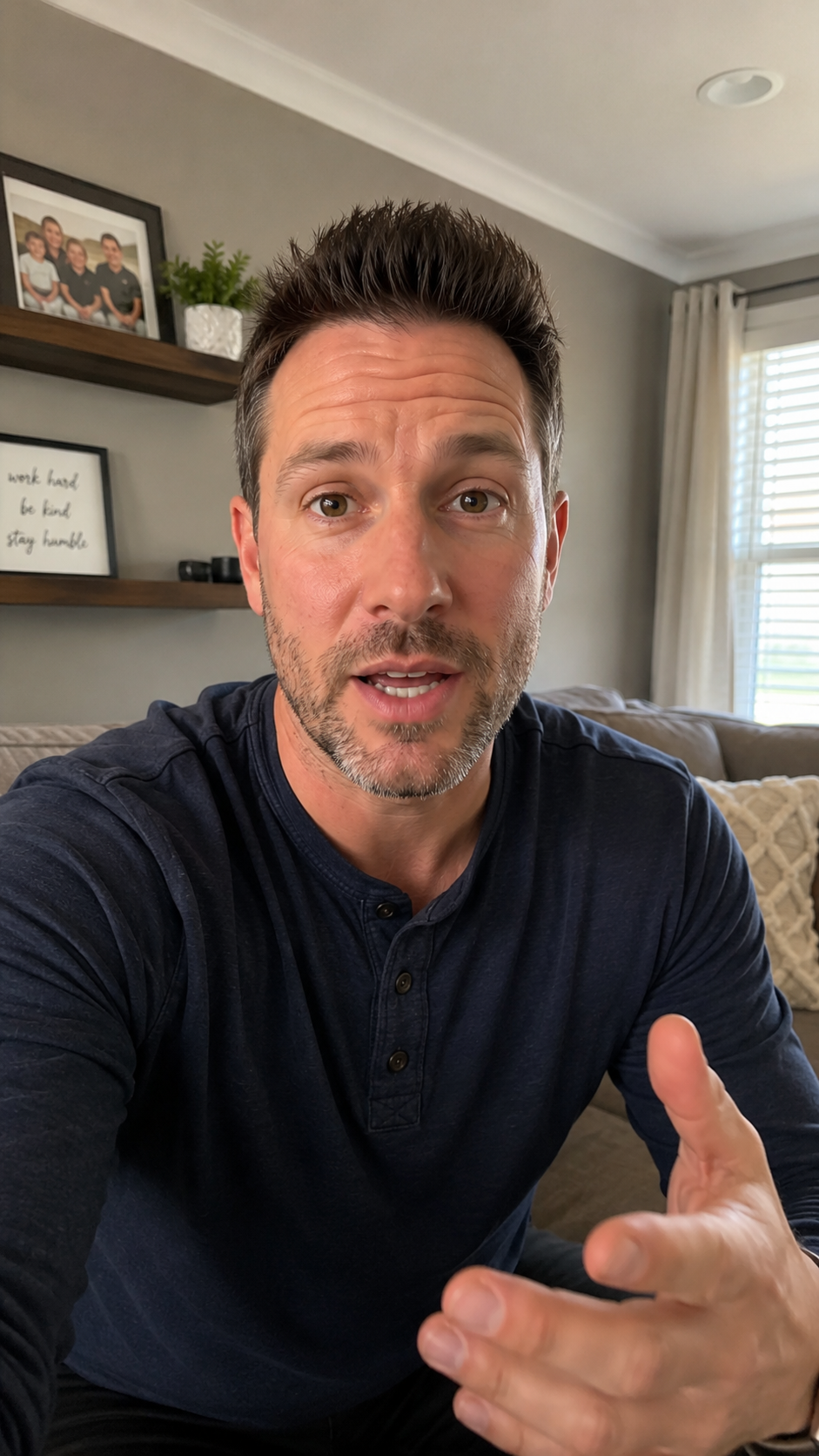
Compare three caption styles from GotReach using sample text. Choose a style to see the preview.

To caption your own video, start a trial and enable captions in your video editing options.

Start your 14-day free trial
Preview of GotReach caption style 1
Style 1 · Sample text

Put it into practice

Keep the message readable when sound is off

A short answer, product explanation, or practical tip should still be understandable when someone watches quietly. Choose a caption treatment that is easy to follow and leaves room for the subject of your video.

The examples use sample text. Generating captions for your own video requires a GotReach account and available usage; this page is not an anonymous upload tool.

A little more about captions.

Have a question about your workflow?

Talk to the team
Are these video captions or social post descriptions?

These captions display spoken words inside your video. They are different from the text description you write alongside a social media post.

Can I generate captions on this page?

You can compare real caption-style examples here. Start a trial to record or upload your own video and generate captions inside GotReach.

Should I review automatic captions?

Yes. Watch your finished video and check names, specialized words, timing, and readability before publishing.

Put it into practice.

Make room for your next recording.

Create, caption, schedule, and manage your social videos with GotReach.

Start your 14-day free trial