Best AI Caption Apps in 2026: Compared by Accuracy, Features, and Pricing
Every AI caption app claims to be fast, accurate, and easy to use. The marketing is nearly identical. The tools are not.
Choosing the wrong app means spending more time fixing errors than you saved by automating. It means hitting a free plan wall after three videos, or discovering your tool does not export for Instagram Reels after you have already built a workflow around it.
This guide gives you what product pages do not: a side-by-side breakdown of how leading AI caption apps actually compare on accuracy, pricing, platform fit, and free plan limits. For readers who want the foundational context first, what AI captions are and how AI captioning works is a useful starting point.
Key Takeaways
- Free plans across most AI caption apps cap out after 3 to 5 video exports per week. If you publish daily, a paid tier is not optional.
- Transcription accuracy is strong for clear English audio. Accents, background noise, and technical vocabulary raise the error rate on every app in this category.
- No single app is best for every creator. Short-form social, long-form YouTube, multilingual, and accessibility use cases each point to a different tool.
- CapCut has the lowest friction free entry point for short-form creators. Descript is the strongest for correction workflow and long-form accuracy.
- Creators publishing at volume across multiple platforms will hit the ceiling of caption-only tools quickly. That is where GotReach becomes the relevant next step.
What an AI Caption App Actually Does (And What It Does Not)
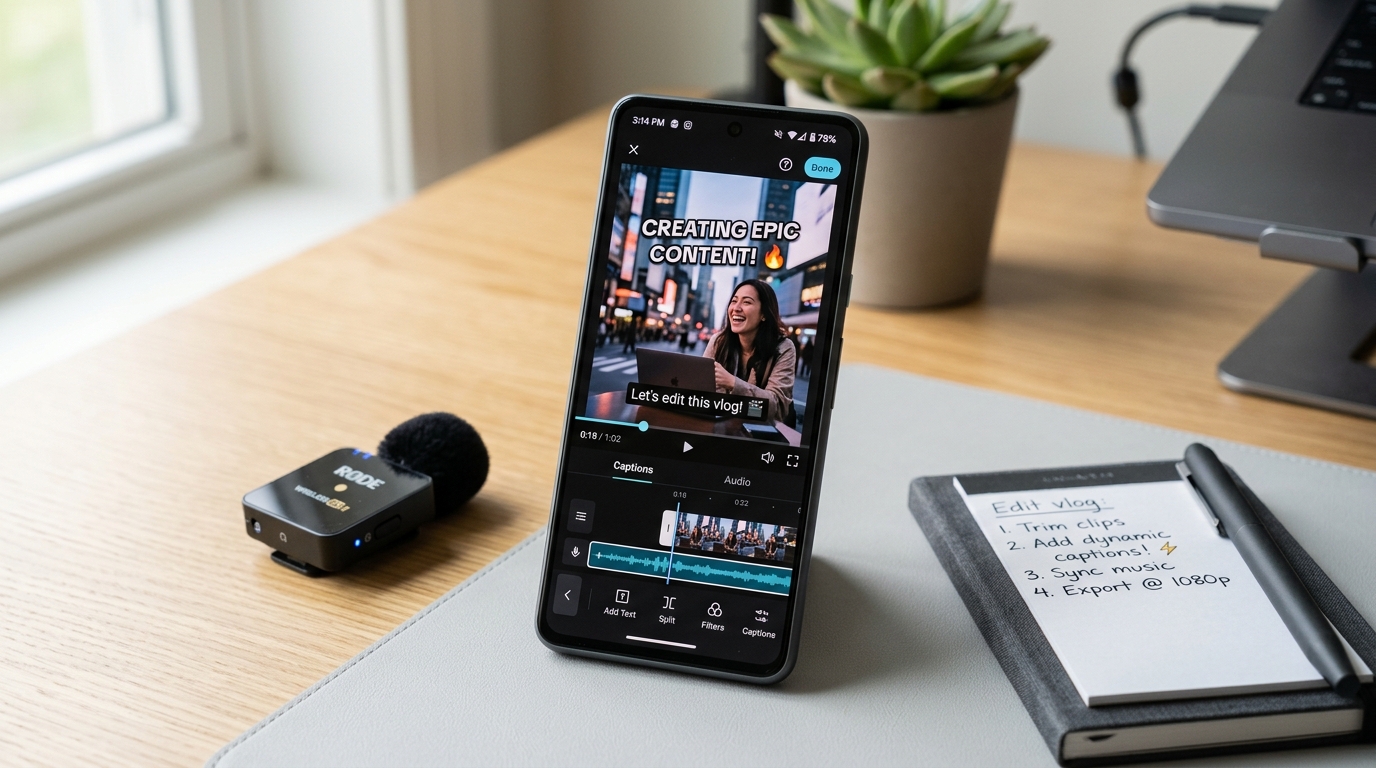
An AI caption app listens to the speech in your video, converts it to text, syncs the text to timing in the video, and lets you style the output. No manual typing required.
That is meaningfully different from a full AI video editor like Descript, which uses captioning as one feature inside a broader editing suite, and from tools focused on clip generation or video repurposing.
AI captions are accurate for clear speech in standard English. They are less reliable with heavy accents, background noise, or domain-specific vocabulary. A creator recording in a quiet room with a lapel mic might see 95% or better accuracy. The same creator filming outdoors with wind noise may need to correct 1 in 5 words. That gap is not a flaw unique to one app. It is the category baseline, and any app that does not tell you this upfront is overselling.
How to Evaluate an AI Caption App: The Criteria That Actually Matter
Before comparing tools by name, know what you are actually comparing. Feature counts and star ratings do not capture the differences that affect your daily workflow.
Transcription accuracy is shaped by audio clarity, speaker accent, background noise, and technical vocabulary. It is not a fixed number. It varies by recording condition.
Caption customization covers fonts, colors, animations, timing control, and branded templates. The range between apps here is significant.
Language support is often listed as a number (90+ languages). What that number does not tell you is how accurate the app is at your specific language pair. Count is marketing shorthand. Quality is what matters for multilingual creators.
Platform export is a real friction point. Not all apps export natively for TikTok, Instagram Reels, YouTube Shorts, and LinkedIn in the correct aspect ratios. Verify this before building a workflow.
Free plan limits are the most commonly misrepresented spec. Export caps, video length limits, watermark policies, and processing minute quotas all vary. Know the real ceiling.
Error correction workflow is where apps separate themselves. Some offer word-by-word timeline editing. Others require a full re-export. The difference matters when the AI makes mistakes, which it will.
For creators publishing to platforms with compliance requirements, the distinction between captions and subtitles and what SRT and VTT export actually covers is worth understanding before choosing a tool.
Before comparing tools, decide which of these matters most for your workflow:
- Transcription accuracy across different accents and audio conditions
- Caption style customization (fonts, colors, animations, branded templates)
- Number of languages supported and quality at your specific language pair
- Free plan limits before a paid tier is required
- Platform export for TikTok, Reels, Shorts, YouTube, and LinkedIn
- Processing speed and any throttling on common plan tiers
- Ease of correcting AI errors word by word
- Accessibility output: SRT and VTT file export for closed-caption compliance
Top AI Caption Apps Compared: Features, Pricing, and Fit
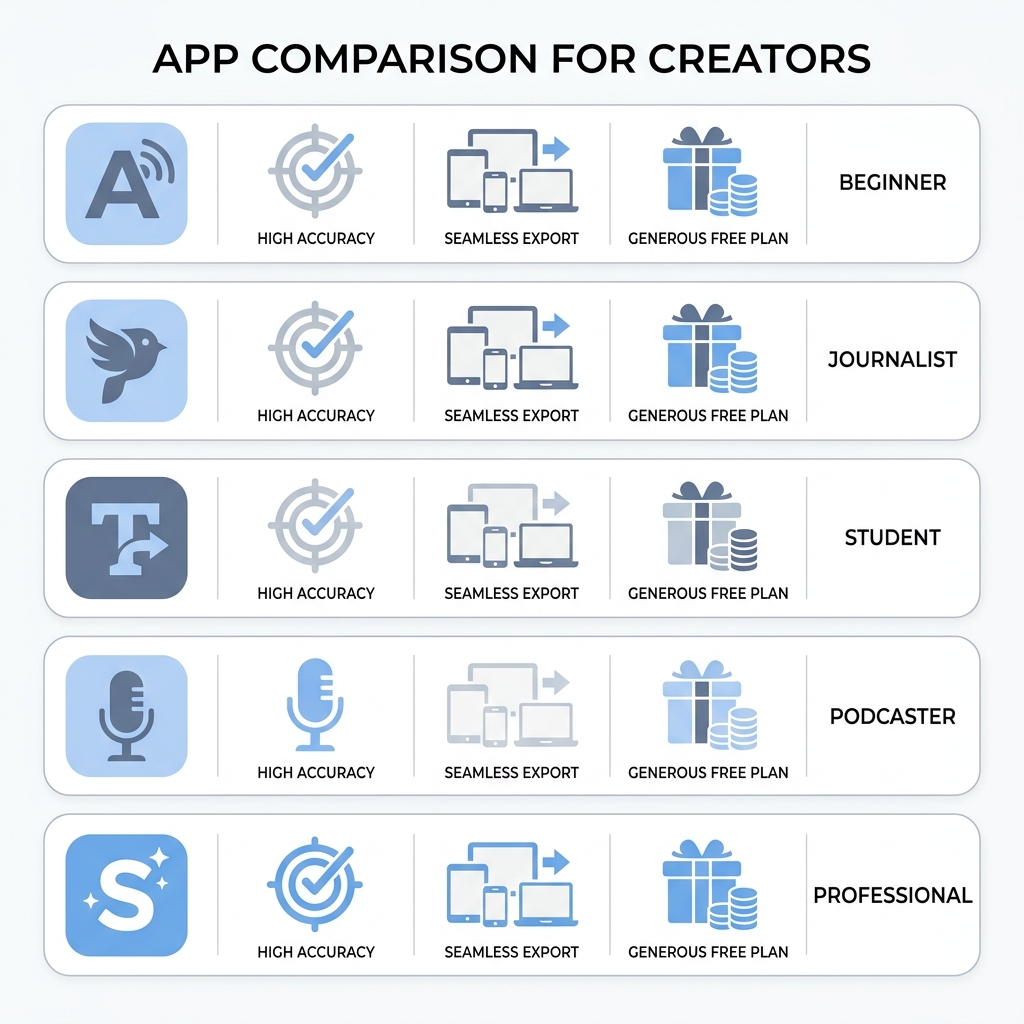
Here is how five leading apps compare on the criteria above. Each has a scenario where it is the right call and at least one real limitation worth knowing.
| App | Accuracy Tier | Languages | Free Plan Limit | Platform Export | Best For |
|---|---|---|---|---|---|
| Captions.ai | Strong | 28+ | Limited exports; processing throttled on Pro plan | TikTok, Reels, Shorts | Mobile-first short-form creators |
| AutoCaption | Moderate | 30+ | ~5 exports/week; watermark on free tier | TikTok, Reels, Shorts | Budget creators starting out |
| Submagic | Strong | 48+ | 3 free exports; watermark removed on paid | TikTok, Reels, Shorts, YouTube | Viral short-form content |
| Descript | Strong | English-primary | Limited free transcription hours | YouTube, podcast video, web | Long-form YouTubers; correction-heavy workflows |
| CapCut | Moderate | 10+ | Generous free tier; most exports no watermark | TikTok, Reels, Shorts | Lowest-friction entry point for short-form |
A few honest callouts the table cannot fully capture:
Captions.ai processes one video at a time and averages 5 to 10 minutes per export on standard plans. That is efficient for occasional publishing. At higher volume, it becomes the bottleneck. Captions.ai's subscription documentation details the processing limits on each plan tier.
Descript is the strongest tool for correction workflow. Its word-by-word timeline editor makes fixing AI errors faster than any other app in this group. The tradeoff is that it is built for long-form and is heavier than most short-form creators need.
CapCut is the lowest-friction free entry point. No watermark on most exports, no credit card required. Accuracy is moderate, which matters more for scripted content than casual short-form.
If you have worked through this table and realized your real need is not just captioning one video at a time but creating and publishing at volume, the AI caption generator from GotReach is worth a look as a starting point before exploring the full platform.
Which AI Caption App Fits Your Situation
The comparison table shows differences. This section maps those differences to creator types.
Short-form social creators (TikTok, Reels, Shorts): Prioritize caption style variety, platform-native export, and speed over accuracy perfection. Submagic or CapCut are the natural starting points. Captions.ai works well if you want a mobile-first experience.
Long-form YouTubers: Prioritize accuracy, the correction editing experience, and SRT file export for uploaded captions. Descript is the strongest fit here.
Multilingual creators: Do not just look at language count. Test your specific language pair. A tool listing 90 languages may be excellent in Spanish and unreliable in Vietnamese. Submagic's 48-language support has stronger documented multilingual output than most in this group.
Accessibility-focused publishers: Prioritize ADA-aligned closed caption compliance, SRT and VTT file export, and word-level accuracy. Descript is the most reliable for this use case among the apps listed.
High-volume creators and teams: A tool that processes one video at a time will not scale. A creator publishing 3 TikToks a week has different needs than an agency managing 15 clients' channels. When volume is the constraint, caption-only apps are the wrong category of tool. GotReach creates up to 300 videos in approximately 30 minutes from a single idea and distributes across seven platforms in one workflow. That is not a caption app. It is a full content repurposing and publishing system. The per-video bottleneck disappears.
- Short-form social: Submagic or CapCut for speed and style variety
- Long-form YouTube: Descript for accuracy and correction workflow
- Multilingual: Test your language pair directly; Submagic is the broadest starting point
- Accessibility compliance: Descript for SRT/VTT export and word-level editing
- High-volume or multi-platform: GotReach for bulk creation and seven-platform distribution
AI Caption Accuracy: What to Expect and How to Get More of It
Research on AI transcription accuracy consistently shows that audio quality is the single largest variable. Published benchmarks on AI transcription performance confirm that accuracy degrades meaningfully with background noise, non-native accents, and fast speech rates, regardless of which app is used.
Four factors are within your control before you hit record: audio clarity, speaker accent familiarity to the model, background noise level, and domain-specific vocabulary density. These are the levers that actually move accuracy.
Realistic expectations by scenario: a quiet room with a lapel mic and standard English will produce strong accuracy on any app in this comparison. Outdoor recording, heavy accent, or highly technical content means planning for a correction pass. That is not a failure. It is the current state of the category.
The correction experience itself varies. Descript's timeline editor is the most precise. CapCut's correction tools are simpler. Know before you commit.
How to get the most accurate AI captions:
- Record in a quiet space. Background noise is the fastest way to multiply errors.
- Place your microphone close to your mouth. A lapel mic or USB condenser mic outperforms a built-in laptop or phone microphone.
- Speak at a measured pace. Rapid delivery increases missed words on every app.
- Avoid or spell out technical terms when possible. Domain-specific vocabulary is where AI models underperform most.
- Run a correction pass on any export before publishing. Even strong accuracy at 95% means one error every 20 words.
Free Plans and Pricing: What You Actually Get
Free plan numbers look better in marketing than in practice. Here is what the documented limits actually mean for a typical publishing schedule.
| App | Free Plan Limits | Entry Paid Tier (approx.) | What Paid Unlocks |
|---|---|---|---|
| Captions.ai | Limited weekly exports; processing throttled | ~$13/month | More exports, longer videos, no watermark, more languages |
| AutoCaption | ~5 exports/week; watermark on exports | ~$10/month | Watermark removal, higher export volume |
| Submagic | 3 exports total; watermark on free tier | ~$20/month | Unlimited exports, watermark removal, more languages, branded templates |
| Descript | Limited transcription hours (approx. 1 hour) | ~$24/month | More transcription hours, export options, collaboration tools |
| CapCut | Generous free tier; most exports watermark-free | Free or ~$10/month for Pro | Advanced templates, priority processing, additional AI tools |
| GotReach | 30 videos/month, no watermark, 1 social account | Paid tiers above free | Bulk creation up to 300 videos, 7-platform distribution, full automation |
Note: App pricing changes frequently. Verify current pricing on each app's official site before committing. The Captions.ai limits above reflect documented subscription policies.
A creator publishing one video per day will exceed most free plan caps within the first week. At that volume, a paid tier is not optional on any caption-only app. The question becomes whether the per-video throughput of a caption app is worth the cost, or whether a platform built for volume makes more sense.
GotReach's free plan covers 30 videos per month with no watermarks and one connected social account. That is not positioned as a caption tool comparison. It is the entry point to a production and publishing system that removes the per-video ceiling entirely.
Start your 30-day free trial today and see how GotReach helps you create and publish more without the per-video bottleneck.
Frequently Asked Questions
What is the most accurate AI caption app? Accuracy depends more on your audio conditions than on the app. For clear English audio, Captions.ai and Descript are consistently rated among the strongest. For correction workflow after AI errors, Descript's timeline editor is the most precise. No app is reliably accurate across all audio conditions.
Are AI-generated captions good enough to use without editing? For clear audio in standard English, many creators publish with minimal corrections. For anything recorded in less-than-ideal conditions, or for content with accents, technical vocabulary, or background noise, plan on a review pass. Expecting zero errors will lead to publishing mistakes.
What is the best free AI caption app? CapCut has the most generous free tier for short-form creators: no watermark on most exports, no hard weekly cap on casual use. Submagic's free tier is limited to 3 total exports before requiring a paid plan. Know the ceiling before you start.
Which AI caption app works best for TikTok and Instagram Reels? Submagic and Captions.ai are both built specifically for short-form platforms with native export support and animated caption styles. CapCut works well and has the lowest barrier to entry. All three export in the correct aspect ratios for TikTok and Reels.
Can AI caption apps generate captions in multiple languages? Yes, most do. The number of supported languages ranges from around 10 (CapCut) to 48+ (Submagic). Language count is not the same as language quality. For multilingual publishing, test accuracy at your specific language pair before committing to a tool.
Do AI caption apps export SRT files for accessibility compliance? Descript supports SRT export and is the strongest option for accessibility-focused workflows. Not all caption-first apps export SRT or VTT files. If closed-caption compliance matters for your publishing context, verify file export options before choosing a tool. ADA guidance on digital video accessibility is published at ada.gov.