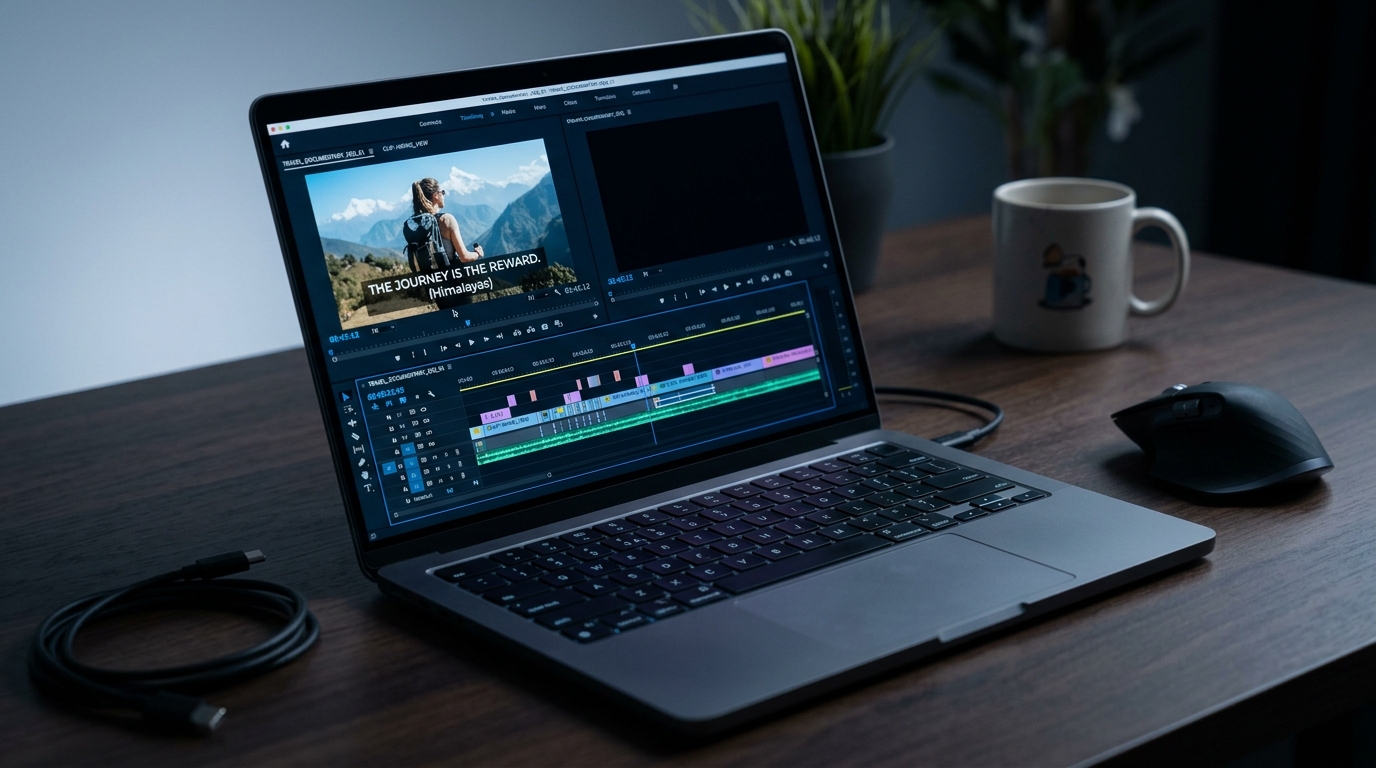
Read our updated guide to adding subtitles and captions to video.
How to Add Captions to Video: Methods, Formats, and What to Know Before You Start
Most videos that fail to land do not have a content problem. They have a captions problem. Viewers scroll past silent video, platforms reward accessible content, and research from Verizon Media found that 69% of consumers watch video with the sound off. Captioning one video is manageable. Captioning every video, across every platform, every week is where most creators and agencies hit a wall. This article covers which captioning method fits your situation, what file formats actually mean, and when free auto-captions are enough versus when they are not.
Key Takeaways
- Captions and subtitles are not the same thing, and the difference matters for accessibility, compliance, and platform requirements.
- The right captioning method depends on accuracy needs, budget, platform, and how many videos you are producing.
- SRT is the most widely accepted caption file format; VTT is preferred for web players; burned-in captions require no file but cannot be toggled off.
- Auto-captions are sufficient for casual social content but require manual review for educational, professional, or compliance-sensitive material.
- Captioning at scale requires a different workflow than captioning one video at a time.
Captions vs. Subtitles vs. Closed Captions: What Each Term Actually Means
These three terms are used interchangeably online, but they are not the same thing. Getting them wrong creates real problems when platforms or legal requirements specify which type you need.
| Term | Who It Serves | Can Be Toggled Off? | Includes Non-Speech Audio? |
|---|---|---|---|
| Captions | Deaf and hard-of-hearing viewers | Yes (closed) / No (open) | Yes |
| Subtitles | Hearing viewers in a different language | Usually yes | No |
| Closed captions | Deaf and hard-of-hearing viewers | Yes | Yes |
Captions are designed for deaf and hard-of-hearing viewers. They include non-speech audio cues: music, sound effects, and speaker identification. Subtitles assume the viewer can hear and translate spoken dialogue only. They serve language access, not accessibility.
Closed captions can be toggled on or off by the viewer. Open captions are permanently burned into the video frame and cannot be disabled. A YouTube video with auto-generated captions uses closed captions. A social media video with text baked into the frame uses open captions.
Platform and legal requirements often specify which type is required. Knowing the difference prevents compliance mistakes before they happen.
Caption File Formats Explained: SRT, VTT, and When You Need Them
File format confusion is one of the most common captioning friction points. Here is what each format actually means and where it works:
- SRT (SubRip Text): The most universally supported format. Works across YouTube, LinkedIn, Vimeo, and most video players. Contains timed text only with no styling. When in doubt, SRT is the safe default.
- VTT (WebVTT): Supports basic styling and positioning. Preferred by some web players and HTML5 video. Accepted by YouTube and several social platforms. A good choice if your distribution is web-first.
- Burned-in (open) captions: Embedded directly in the video frame. No file needed, and no file to lose. The tradeoff: viewers cannot turn them off, and the text cannot be edited after export. The practical choice for TikTok and Instagram short-form where captions need to always be visible.
- Plain text (TXT) transcripts: Sometimes accepted for upload but contain no timing data. Platforms requiring timed captions will reject them.
If you are uploading captions to YouTube, SRT or VTT both work. If you are publishing to TikTok or Instagram and want captions always visible, burned-in is the practical choice.
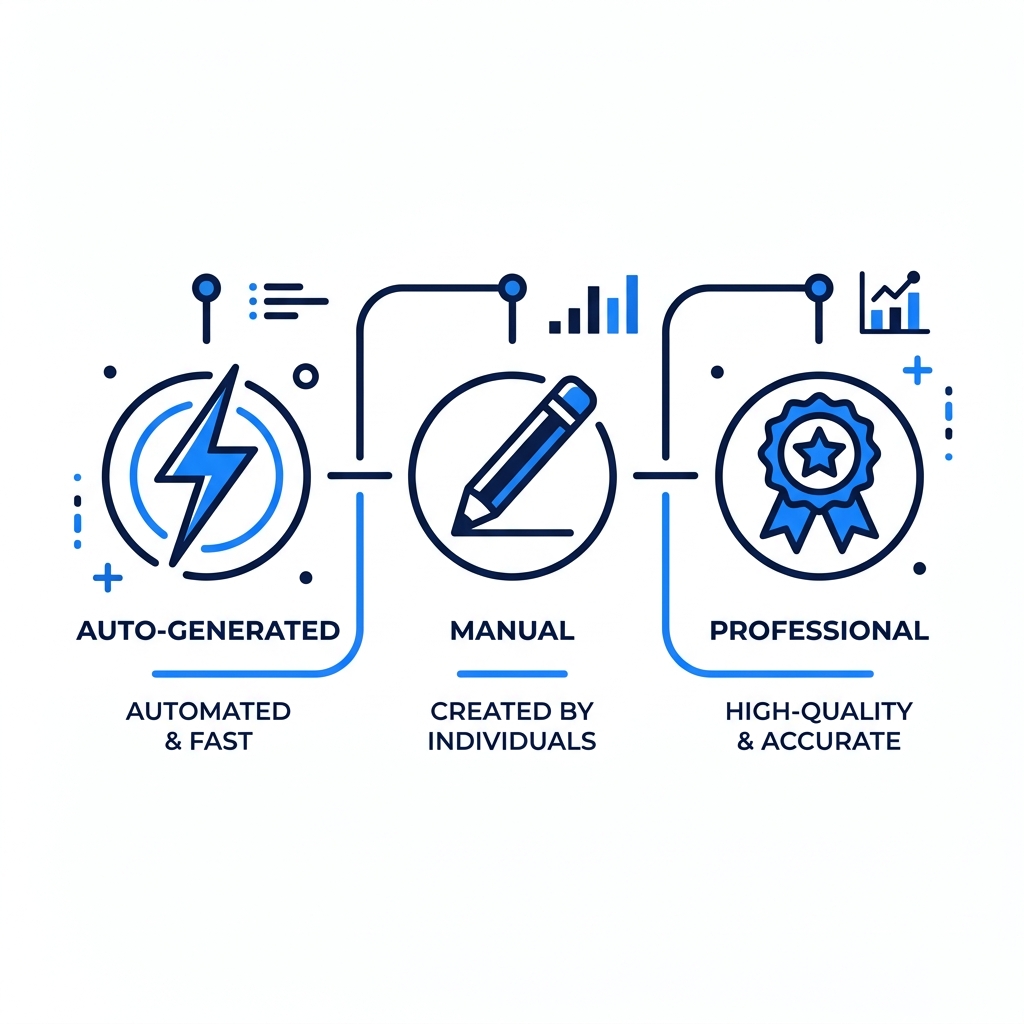
Auto-Generated, Manual, or Professional: Choosing the Right Captioning Method
Your captioning method depends on three things: how accurate the captions need to be, what platform they are going on, and how many videos you are producing at once. No single method wins across all three.
| Method | Accuracy | Speed | Cost | Best For |
|---|---|---|---|---|
| Auto-generated AI | Varies by audio quality | Fast | Free to low-cost | Social, casual content, high-volume drafts |
| Manual / SRT upload | High | Slow | Time cost only | Educational, compliance-sensitive, professional |
| Professional transcription | Highest | Moderate | Higher cost | Broadcast, legal, ADA-required content |
Auto-generated AI captions are fast and low-cost, but accuracy varies significantly by audio clarity, speaker accent, and background noise. They work well for casual social content. For educational or compliance-sensitive material, treat auto-output as a draft that needs review before publishing.
Manual captioning or SRT upload produces the most accurate results. It is time-intensive and realistic for individual videos where accuracy is non-negotiable. A university publishing lecture recordings for compliance may need this level of care regardless of the time it takes.
Professional transcription services deliver the highest accuracy and ADA-compliant output. The cost is higher, which makes them appropriate for broadcast, institutional, or legal contexts rather than everyday social content.
For creators producing 20 or more videos per week, manual captioning is not a workflow. It is a bottleneck. Tools that process one video at a time and take 5 to 10 minutes per video create a math problem that does not resolve itself. GotReach's pricing plans include a free tier with up to 30 videos per month and no watermarks, which is worth evaluating if volume is already straining your current process.
Platform-Specific Captioning Requirements: YouTube, TikTok, Instagram, and LinkedIn
Platform requirements are not interchangeable. A creator distributing the same video across multiple platforms needs to know what each one actually accepts.
YouTube accepts SRT, VTT, and SBV file uploads. Auto-generated captions are available but should be reviewed and corrected before the video is publicly published. YouTube's auto-captions index as text and affect search visibility, which means uncorrected errors appear in both the captions and the search record.
TikTok offers in-app auto-captions. Character and line limits apply. Native SRT upload availability varies by surface and region, so burned-in captions are often the more reliable choice for TikTok distribution.
Instagram and Facebook support SRT upload for native video. Auto-captions are available for Reels. For creators using Stories or third-party upload workflows, burned-in captions are more consistent.
LinkedIn supports SRT upload for native video. There is no in-app auto-caption generation, which means you need a caption file ready before publishing.
Across all platforms, keep lines to two or fewer per frame, aim for a reading speed of 130 to 150 words per minute, and place captions within the platform's safe zone to avoid UI overlay.
Platform Caption Checklist:
- YouTube: Accepts SRT, VTT, SBV; auto-captions available but review and correct before publishing
- TikTok: In-app auto-captions available; character and line limits apply; SRT upload availability varies by surface and region
- Instagram / Facebook: SRT upload supported for native video; auto-captions available for Reels
- LinkedIn: SRT upload supported for native video; no in-app auto-caption generation
Accessibility and Compliance: What Your Captions Actually Need to Meet
Compliance is not a checkbox. Most captioning articles name ADA and FCC without explaining what those requirements actually demand.
ADA Section 508 requires federal agencies and federally funded institutions to provide accessible video content. Captions must be accurate, synchronized, complete, and properly placed. A university receiving federal funding that publishes lecture videos for enrolled students likely falls under this requirement. See Section508.gov's guidance on captions and transcripts for the full standard.
FCC closed caption standards apply to broadcast and online video that has previously aired on television. The FCC specifies requirements across four dimensions: accuracy, timing, completeness, and placement.
The European Accessibility Act requires digital services, including video content, to meet accessibility standards for users in EU member states.
A marketing agency producing Instagram Reels does not face the same compliance exposure as a federally funded institution. Compliance requirements scale with institutional context.
For compliance-sensitive content, auto-captions should be treated as a draft, not a finished deliverable. Compliant captions require:
- Accuracy: Captions must correctly reflect spoken content, including technical terms and proper names
- Timing: Captions must be synchronized with the corresponding audio
- Completeness: All speech and relevant non-speech audio must be represented
- Placement: Captions must not obscure important visual content and must follow platform or broadcast placement standards
Captioning at Scale: When Single-Video Tools Stop Working
Single-video captioning tools work for occasional content. They become a bottleneck the moment volume picks up.
Consider a creator publishing five videos per week across three platforms. That is 15 individual uploads. At 5 to 10 minutes per video with a single-video tool, that is 75 to 150 minutes per week on captioning alone, before editing or scheduling enters the picture.
That math compounds fast for agencies managing multiple client accounts.
GotReach is built for a different scale. It creates up to 300 videos in approximately 30 minutes from a single idea and distributes across seven platforms from one workflow. The free plan includes up to 30 videos per month with no watermarks. For agencies, GotReach Enterprise provides centralized control across multiple client accounts without requiring a separate captioning and distribution workflow per account.
Automation does not replace the creator's voice. GotReach keeps the human perspective at the center while handling the production and distribution work that single-video tools were never designed to absorb.
If captioning one video at a time is already slowing down your publishing schedule, the fix is not a faster single-video tool. It is a different kind of workflow entirely.
Start your 14-day free trial today and see how GotReach helps businesses and creators produce and publish more without the manual bottleneck.
Frequently Asked Questions
What is the difference between captions and subtitles?
Captions are designed for deaf and hard-of-hearing viewers and include non-speech audio cues like sound effects and speaker identification. Subtitles assume the viewer can hear and translate spoken dialogue only for viewers who speak a different language. The distinction matters for accessibility compliance and platform requirements.
Are auto-generated captions accurate enough for professional or compliance use?
Not without review. Auto-generated captions vary in accuracy based on audio quality, speaker accents, and background noise. For casual social content they are often sufficient. For educational, professional, or compliance-sensitive content, they should be treated as a draft that requires manual correction before publishing.
What caption file format should I use for YouTube vs. TikTok vs. LinkedIn?
YouTube accepts SRT, VTT, and SBV. LinkedIn accepts SRT for native video uploads. TikTok's SRT upload availability varies by surface, making burned-in captions a more consistent option for TikTok distribution. SRT is the safest default when you are unsure what a platform accepts.
Do I need closed captions or open captions for social media?
It depends on the platform and your distribution goal. Closed captions let viewers toggle text on or off, which is standard for YouTube and LinkedIn. Open (burned-in) captions are permanently visible and are often preferred for short-form video on TikTok and Instagram, where viewers are unlikely to turn captions on manually.
Can I add captions to a video for free without a watermark?
Yes. GotReach's free plan includes up to 30 videos per month with no watermarks and one connected social account. Many auto-captioning tools offer free tiers, though single-video processing limits and watermarks are common restrictions at the free level.
What are the legal requirements for captions on video content?
Requirements depend on your context. ADA Section 508 applies to federal agencies and federally funded institutions. FCC closed caption standards apply to broadcast and online video that has aired on television. The European Accessibility Act covers digital services for EU users. If your organization falls under any of these, auto-captions alone are not sufficient without review and correction.
When is auto-captioning good enough and when do I need manual review?
Auto-captioning is sufficient for casual social content where some inaccuracy is acceptable and the audience is forgiving. Manual review is necessary when the content is educational, professional, or compliance-sensitive, when speakers have strong accents or use technical terminology, or when the audio environment includes background noise that degrades transcription quality.